Merge PDF
popularFree online tool to merge PDF files. Combine multiple PDFs into a single document in seconds. No watermark, secure.
Drop your file here
or click to browse
Processed entirely in your browser — your files never leave your device.
How to use Merge PDF
Upload your PDF files
Click the upload area or drag and drop multiple PDF files. You can upload as many files as you need to combine.
Arrange the order
Your files appear in the list below. Remove any file you do not need by clicking the X button.
Click Merge & Download
Click the button to combine all your PDFs into one document. The merged file downloads automatically to your device.
Why use our Merge PDF tool
Who uses Merge PDF
Job Applications
Combine your cover letter, resume, references, and certificates into a single professional PDF for submission.
Student Submissions
Merge lecture slides from multiple weeks into one revision document. Combine assignment sections with appendices.
Business Documents
Join multi-page invoices, contracts with attachments, and report sections into one organised file.
Scanned Documents
Combine multiple scanned pages — photographed with your phone or scanned on a flatbed — into one complete PDF.
Legal Packages
Assemble supporting documents, signed forms, and identification into one submission package.
Research & Reports
Merge chapters, bibliography, figures, and appendices into one complete research document.
Frequently Asked Questions
How many PDF files can I merge at once?
You can merge as many PDF files as you need in a single session. Upload all your files, arrange them in order, and download the combined result.
Does merging PDFs reduce quality?
No. Merging combines the pages from each file exactly as they are without any quality reduction. Text, images, and formatting are preserved precisely.
Can I merge PDF files on iPhone?
Yes. Our Merge PDF tool works on iPhone and iPad directly in Safari without downloading any app. The process is identical to the desktop version.
What is the maximum file size for merging?
There is no fixed file size limit. Very large files may take slightly longer to process depending on your device.
Can I reorder pages before merging?
Currently the tool merges files in the order you upload them. Upload your files in the sequence you want them to appear in the final document.
Further Reading
Related Articles
Other Free PDF Tools
Compress PDF
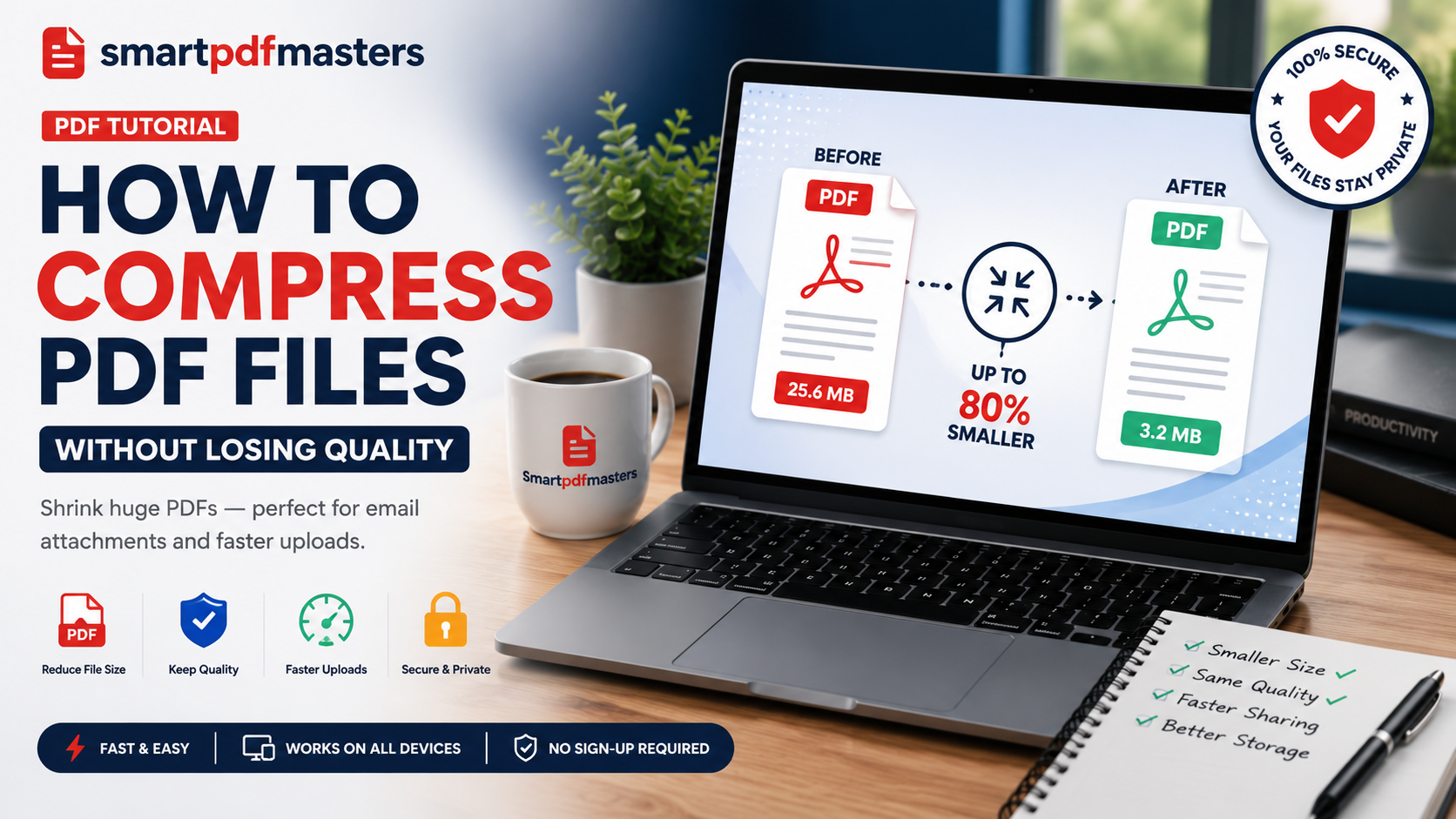
Reduce PDF file size while keeping the best possible quality.
Rotate PDF
Fix upside down or sideways PDF pages — rotate 90°, 180° or 270°.
Split PDF
Split a PDF into separate pages or sections — extract exactly what you need.
Delete PDF Pages
Remove specific pages from a PDF — delete blank pages, unwanted sections instantly.
Watermark PDF
Add a text watermark to every page of your PDF — protect and brand your documents.
Need more PDF tools?
SmartPDFMasters offers six free tools — merge, compress, rotate, split, convert and create PDFs — all in one place.
Browse All Free Tools