Compress PDF
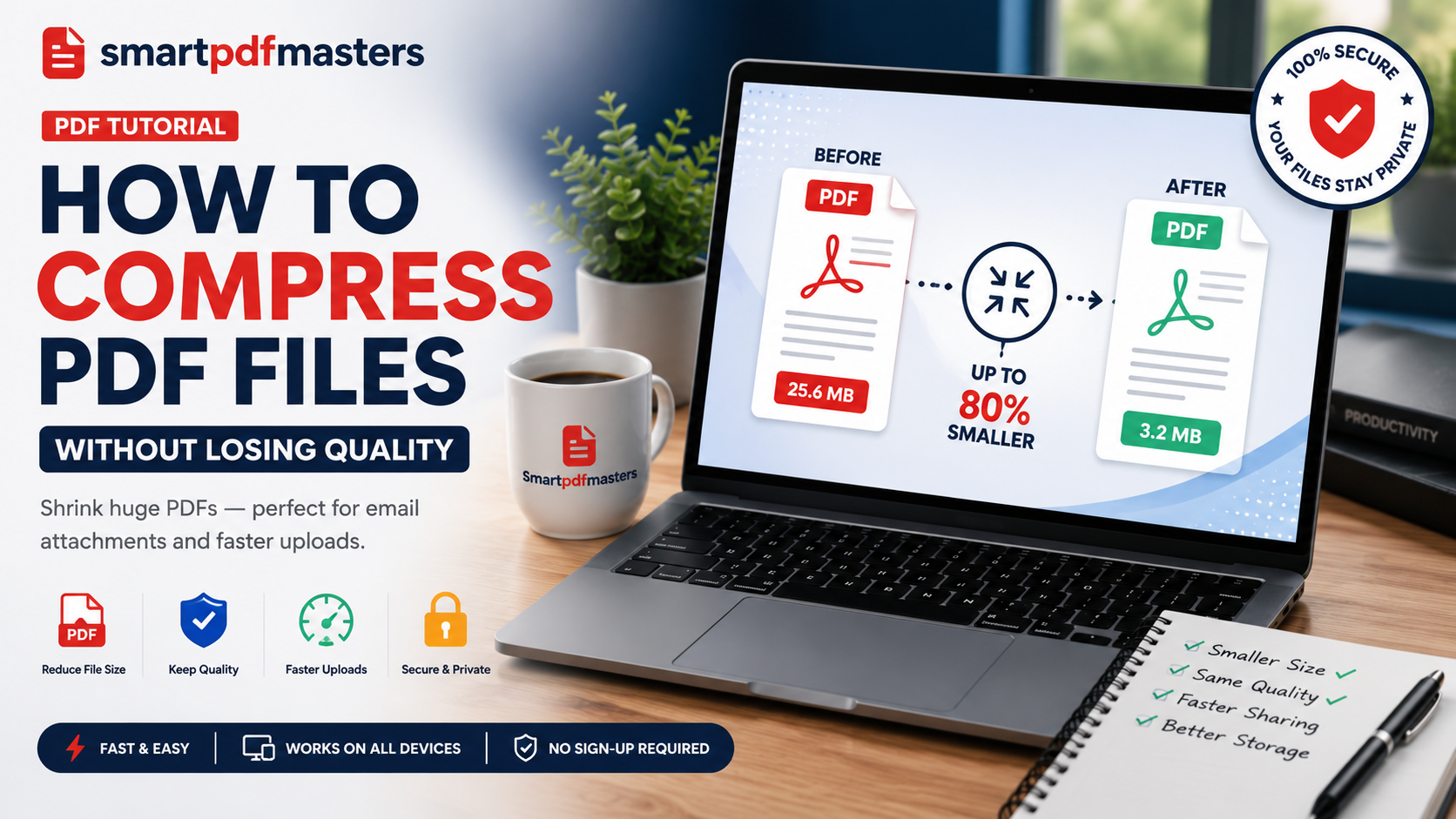
popularCompress PDF files online for free. Reduce PDF size without losing quality. Fast, secure, no watermark.
Drop your file here
or click to browse
Processed entirely in your browser — your files never leave your device.
How to use Compress PDF
Upload your large PDF
Click the upload area or drag and drop your PDF file. Works with any PDF regardless of how it was created.
Choose compression level
Select Recommended for the best balance of size and quality, or Maximum for the smallest possible file size.
Download compressed PDF
Click Compress & Download. Your compressed PDF downloads automatically, ready to email or upload.
Why use our Compress PDF tool
Who uses Compress PDF
Email Attachments
Reduce a PDF below Gmail's 25MB or Outlook's 20MB attachment limit so it can be sent directly.
University Portals
Compress assignments and thesis chapters to meet the 1MB, 2MB, or 5MB upload limits imposed by academic submission systems.
WhatsApp Sharing
Reduce document size for faster sharing through messaging apps without visible quality reduction.
Cloud Storage
Compress large PDF archives to use less storage space in Google Drive, Dropbox, or OneDrive.
Website Upload
Reduce PDF size for faster loading when embedding documents in websites or content management systems.
Scanned Documents
Scanned PDFs are often very large because each page is stored as a high-resolution image. Compression dramatically reduces their size.
Frequently Asked Questions
Will compressing a PDF reduce text quality?
No. Text in PDF files is stored as mathematical vectors, not pixels. It remains perfectly sharp at all compression levels. Only images may show minor quality reduction at maximum compression.
How much can I reduce a PDF file size?
For text-heavy documents, compression typically achieves 60 to 80 percent size reduction. For image-heavy PDFs such as presentations, reduction is typically 30 to 60 percent at recommended compression.
How do I compress a PDF to under 1MB?
Use the maximum compression setting. For most text-heavy documents this achieves files well under 1MB. For image-heavy files, also consider removing non-essential pages before compressing.
Can I compress a PDF on my phone?
Yes. Open our Compress PDF tool in Safari on iPhone or Chrome on Android. The tool works identically on all devices without any app download.
Does compression affect PDF security or passwords?
Compression does not remove or affect any password protection applied to a PDF. You need to enter the password before compressing a password-protected file.
Further Reading
Related Articles
Other Free PDF Tools
Merge PDF
Combine multiple PDFs in the order you want into one document.
Rotate PDF
Fix upside down or sideways PDF pages — rotate 90°, 180° or 270°.
Split PDF
Split a PDF into separate pages or sections — extract exactly what you need.
Delete PDF Pages
Remove specific pages from a PDF — delete blank pages, unwanted sections instantly.
Watermark PDF
Add a text watermark to every page of your PDF — protect and brand your documents.
Need more PDF tools?
SmartPDFMasters offers six free tools — merge, compress, rotate, split, convert and create PDFs — all in one place.
Browse All Free Tools