How to Compress PDF Online Free — Reduce PDF Size Without Losing Quality
PDF file too large? Learn how to compress PDF files online for free and reduce PDF size on any device.
🛠 Free tools mentioned in this article
A PDF file that is too large causes problems at every stage of your workflow. It bounces back from email servers, gets rejected by upload portals, takes minutes to download, and fills up storage space. In 2026, you can compress any PDF file for free in under thirty seconds without installing any software.
Why PDF Files Become Too Large
High-resolution images are the most common cause. When you export a presentation or report to PDF, images are often embedded at print resolution — 300 DPI or higher.
Embedded fonts can add significant weight. PDF files include complete font files so text displays correctly on any device.
Invisible metadata — edit history, thumbnail previews, form fields, annotations — adds to file size without being visible to the reader.
How to Compress PDF Files Online Free — Fastest Method
Our Compress PDF tool processes your file in your browser in seconds — completely free, no signup, no watermark.
- 1Open the Compress PDF tool
- 2Click the upload area or drag and drop your PDF
- 3Choose your compression level
- 4Click Compress and wait a few seconds
- 5Download your compressed PDF
Compression Levels Explained
High Quality Compression
Conservative reductions while keeping the document suitable for professional printing.
Recommended Compression
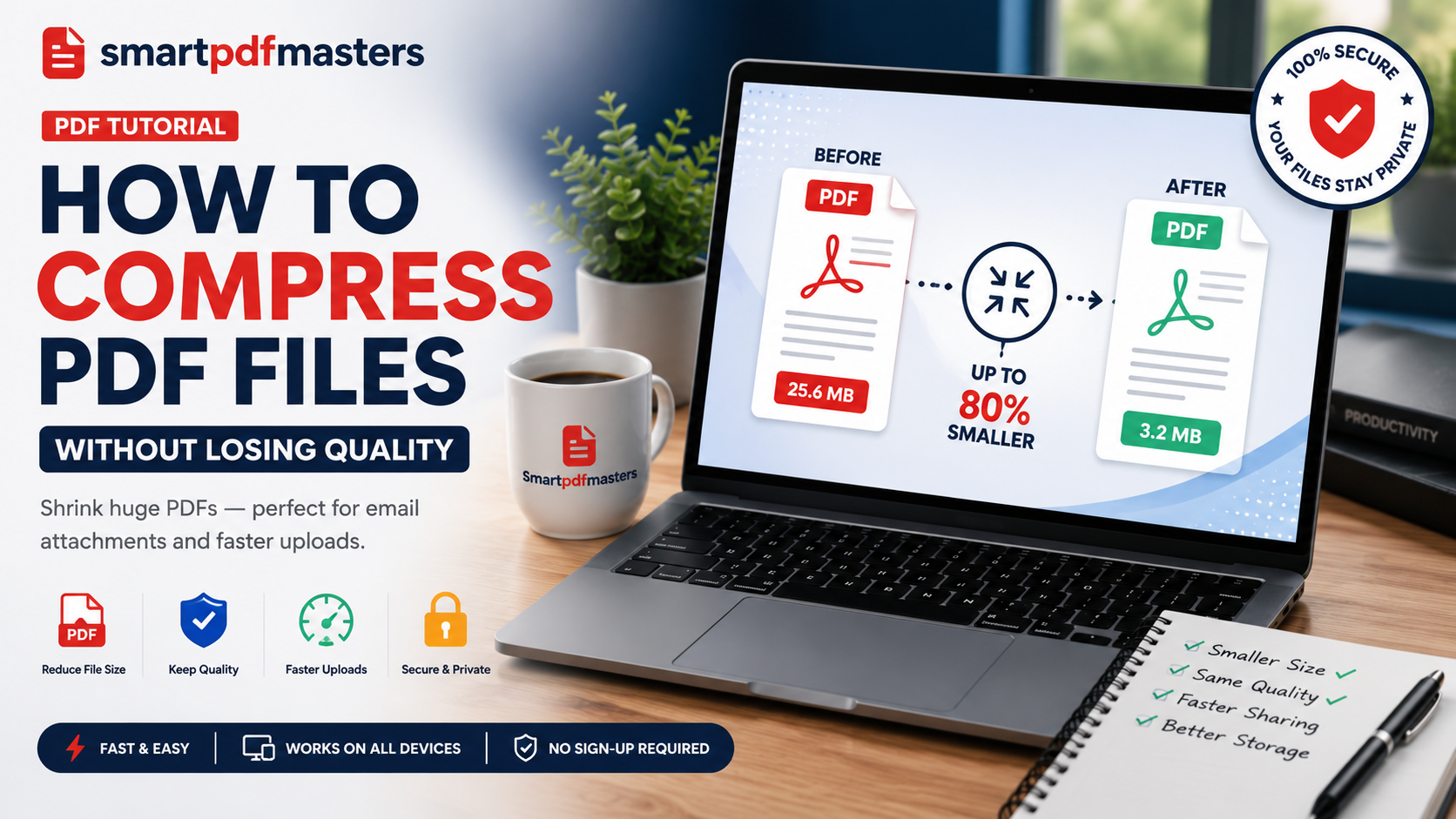
The balanced option for most users. Most documents see 50 to 80 percent file size reduction.
Maximum Compression
Smallest possible file. Images resampled to screen resolution. Text remains perfectly sharp.
How to Compress PDF on Different Devices
Windows: Open our Compress PDF tool in Chrome, Edge, or Firefox.
Mac: Use our tool in Safari. Or use Preview's Quartz filter — open the PDF, go to File then Export, and select Reduce File Size from the Quartz Filter dropdown.
iPhone/iPad: Open our Compress PDF tool in Safari and upload from the Files app.
Android: Use our tool in Chrome for Android.
Combine Compression with Other PDF Tasks
Before compressing, if you need to merge multiple PDFs first, use our Merge PDF tool.
After compressing, if you need to edit the content, use our PDF to Word tool.
Frequently Asked Questions
How do I compress a PDF file for free?
Use our Compress PDF tool — upload your file, choose a compression level, and download the compressed PDF.
Does compressing a PDF reduce text quality?
No. Text in PDF files is stored as mathematical vectors — it remains perfectly sharp at all compression levels.
How do I compress a PDF to under 1MB?
Use the maximum compression setting. For most text-heavy documents, this achieves files well under 1MB.
How do I compress a PDF on my phone?
Open Safari or Chrome on your phone, visit our Compress PDF tool, upload your PDF, choose your compression level, and download.
Why is my PDF still large after compressing?
Very high-resolution images or embedded files can limit compression gains. Try maximum compression, or re-export the document from the original application with lower image quality settings.
Ready to work with your PDFs?
All six tools are completely free — no signup, no watermarks, no limits.