How to Compress PDF Files Without Losing Quality
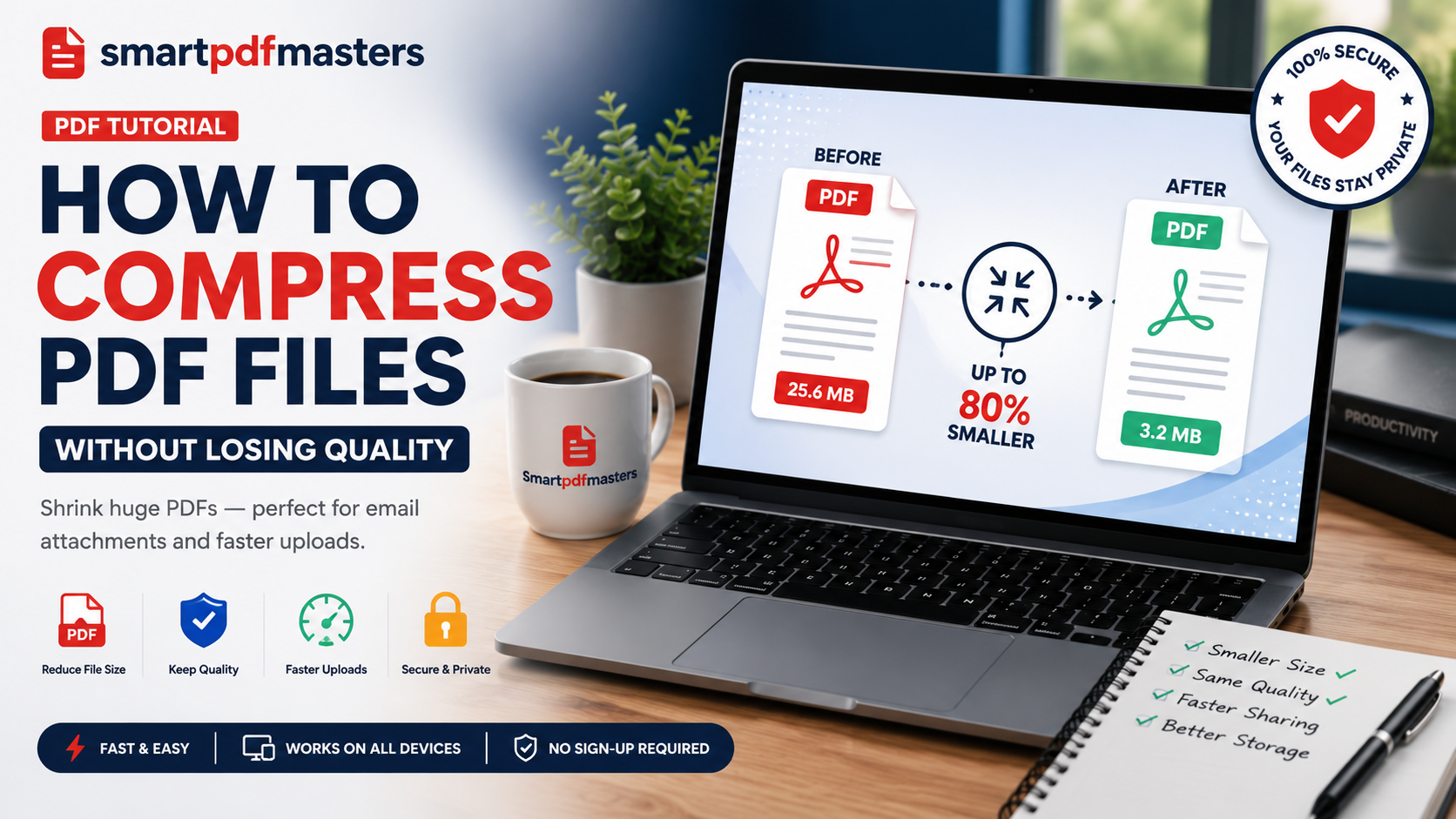
Shrink huge PDFs — perfect for email attachments and faster uploads.
🛠 Free tools mentioned in this article
Email attachment limits typically cap at 25MB. A single PDF with a few high-resolution images can easily exceed that, leaving you unable to send the file. PDF compression reduces file size while keeping text sharp and images clear enough for their intended use.
How PDF Compression Works
PDF files are large for three main reasons: high-resolution embedded images, fully embedded font files, and invisible metadata like edit history and annotations. A PDF compressor resamples images to a lower resolution and strips out unnecessary data — without changing anything visible to the reader.
Three Compression Levels Explained
High Quality Compression
Minor size reductions while keeping the document suitable for professional printing. Choose this when the PDF will be printed at high quality.
Recommended Compression
The balanced option for most users. Produces significant size reduction while keeping images clear and text perfectly sharp. Most documents see 50 to 80 percent reduction at this level.
Maximum Compression
Smallest possible file by aggressively resampling images to screen resolution. Text remains perfectly sharp. Choose this when file size is the only priority.
Step-by-Step Guide to Compress PDF Free
- 1Open our Compress PDF tool
- 2Drag and drop your PDF or click to upload
- 3Select your compression level
- 4Click Compress and wait a few seconds
- 5Download your smaller PDF
The entire process takes under 30 seconds for most documents.
Advanced Tips for Maximum Size Reduction
- Convert to grayscale before compressing if colour is not essential
- Flatten form fields and annotations before compressing
- Remove embedded thumbnails and unused metadata
- Sending multiple PDFs? Use Merge PDF first, then compress the combined file
How to Compress PDF on Different Devices
Windows: Open our tool in Chrome or Edge — no software installation needed.
Mac: Use our tool in Safari, or use Preview's built-in Reduce File Size Quartz filter under File then Export.
iPhone/iPad: Open our Compress PDF tool in Safari and upload from Files.
Android: Use our tool in Chrome for Android — works identically to desktop.
Frequently Asked Questions
How do I compress a PDF file for free?
Use our Compress PDF tool — upload your file, choose a compression level, and download the smaller PDF instantly.
Does compressing a PDF reduce image quality?
Text remains perfectly sharp at all levels. Images may show minor quality reduction at maximum compression, but remain clear for screen reading and standard printing.
How do I compress a PDF to under 1MB?
Use the maximum compression setting. For most text-heavy documents, this achieves files well under 1MB.
Can I compress a PDF on my phone for free?
Yes. Our tool works on iPhone and Android in any browser without downloading an app.
Ready to work with your PDFs?
All six tools are completely free — no signup, no watermarks, no limits.