How to Edit a PDF for Free: The Complete Step-by-Step Guide
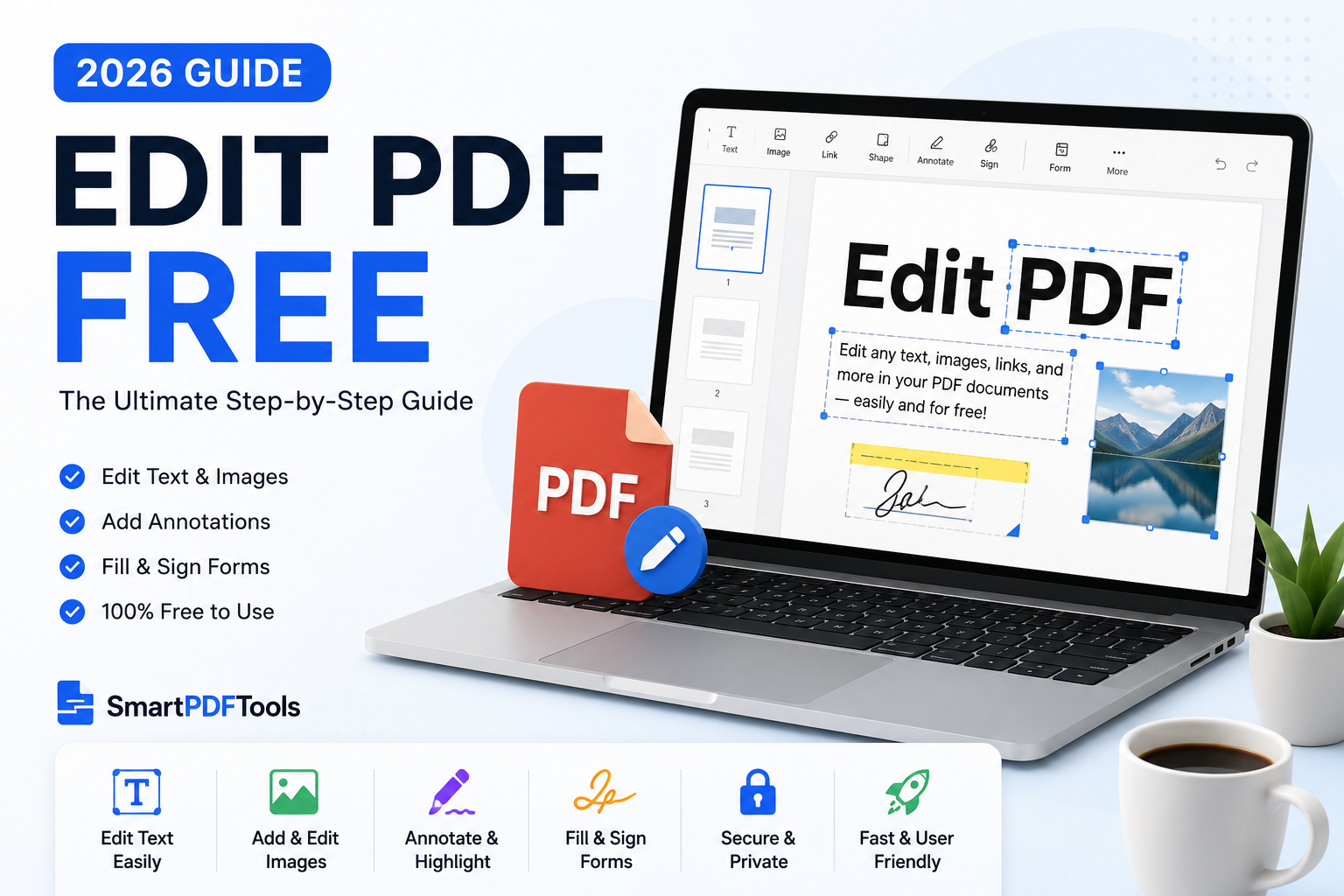
Learn how to edit a PDF for free online without losing formatting.
🛠 Free tools mentioned in this article
Adobe Acrobat Pro costs $239.88 per year. For a student fixing a typo, a freelancer updating an invoice, or a business owner adding a logo to a contract template, that price is not justifiable. In 2026, you can edit PDFs for free using browser-based tools — no installation, no subscription, no technical knowledge needed.
Understanding What PDF Editing Actually Means
PDF editing covers different tasks that require different tools:
- Adding or changing text — direct editing in a PDF editor
- Filling in form fields — built into most PDF viewers
- Rewriting significant content — convert to Word, edit, re-export to PDF
- Combining or splitting documents — merge and split tools
- Reducing file size — compression tools
Method 1 — Convert to Word for Full Editing (Best for Major Changes)
If you need to rewrite paragraphs, restructure content, or update tables, convert to Word first. Use our PDF to Word tool — it preserves fonts, tables, images and layout.
Method 2 — Edit Directly in a PDF Editor (Best for Small Changes)
For smaller changes, SmartPDFMasters handles the most common editing tasks in your browser with no signup and no daily limits.
Method 3 — Fill and Sign Forms
For PDF forms, use a tool that detects existing form fields and lets you type directly into them.
Step-by-Step: How to Edit a PDF for Free
- 1Identify what type of edit you need
- 2For major changes: open PDF to Word, convert, edit in Word, export back to PDF
- 3For small changes: open SmartPDFMasters and use the direct editor
- 4For file size: run Compress PDF before sharing
- 5For combining: use Merge PDF first
What You Can Edit Completely Free
- Merge multiple PDFs with Merge PDF
- Reduce file size with Compress PDF
- Convert to editable Word with PDF to Word
- Convert images to PDF with PNG to PDF
Frequently Asked Questions
Can I edit a PDF without Adobe Acrobat?
Yes. Browser-based tools like SmartPDFMasters handle the most common editing tasks without any software installation.
How do I edit a scanned PDF for free?
Use our PDF to Word tool with OCR support — it recognises text in scanned images and converts it to editable characters.
How do I edit a PDF on my phone?
Open SmartPDFMasters in Safari or Chrome on your phone. All tools work on mobile without requiring an app download.
Is free PDF editing really free?
Yes. No credit card, no hidden charges, no limited trials. All four core tools are completely free.
Ready to work with your PDFs?
All six tools are completely free — no signup, no watermarks, no limits.