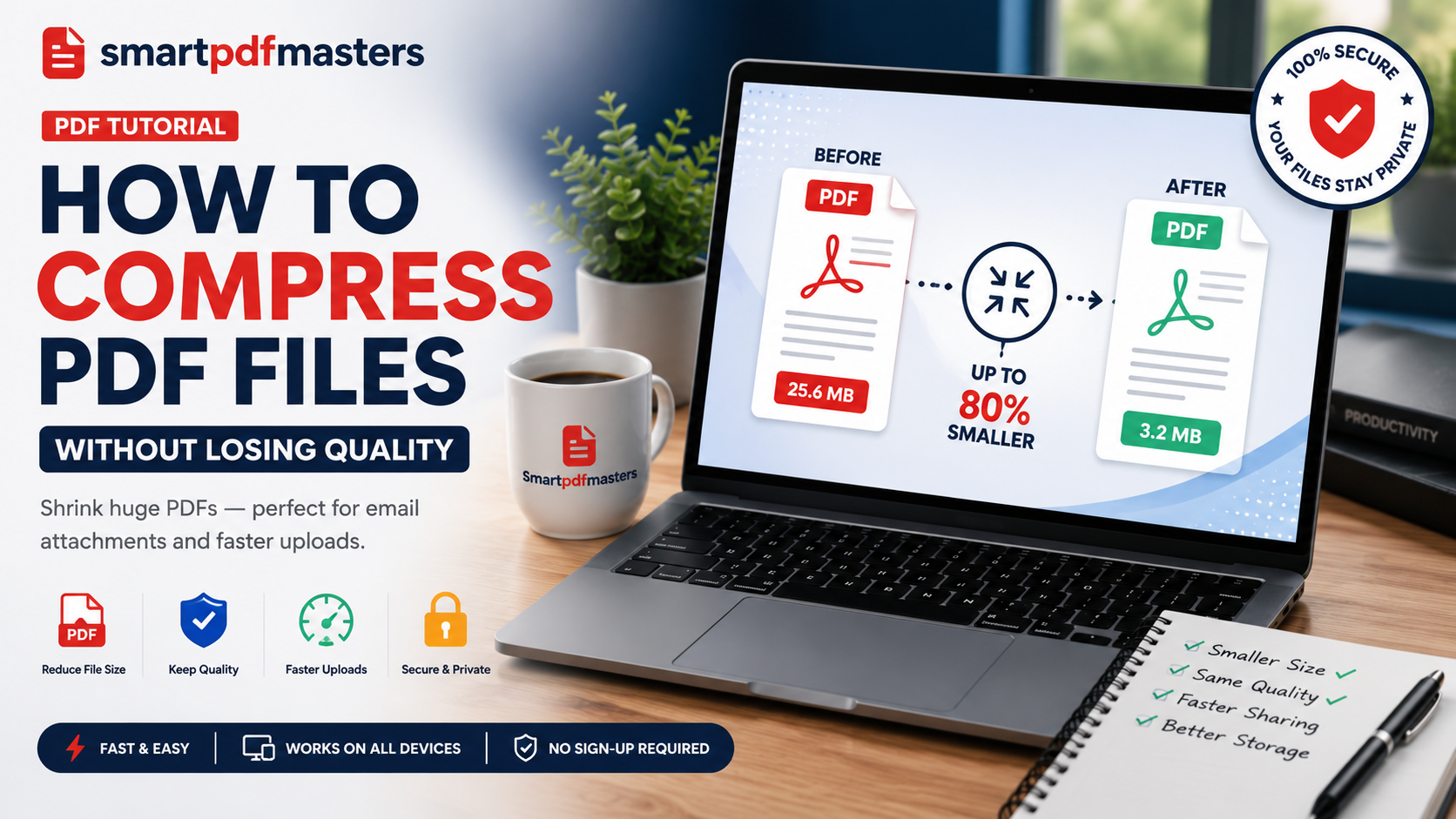
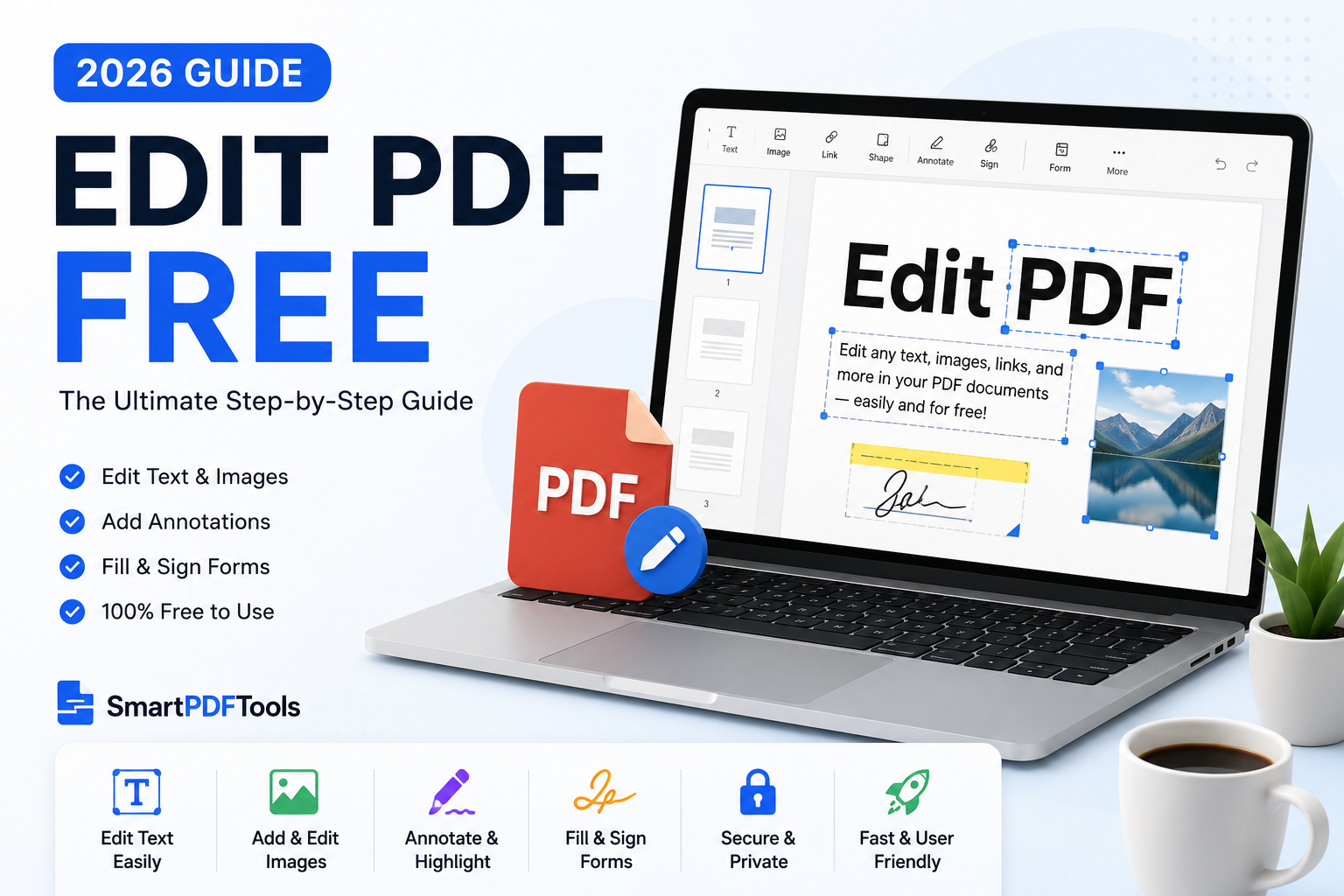
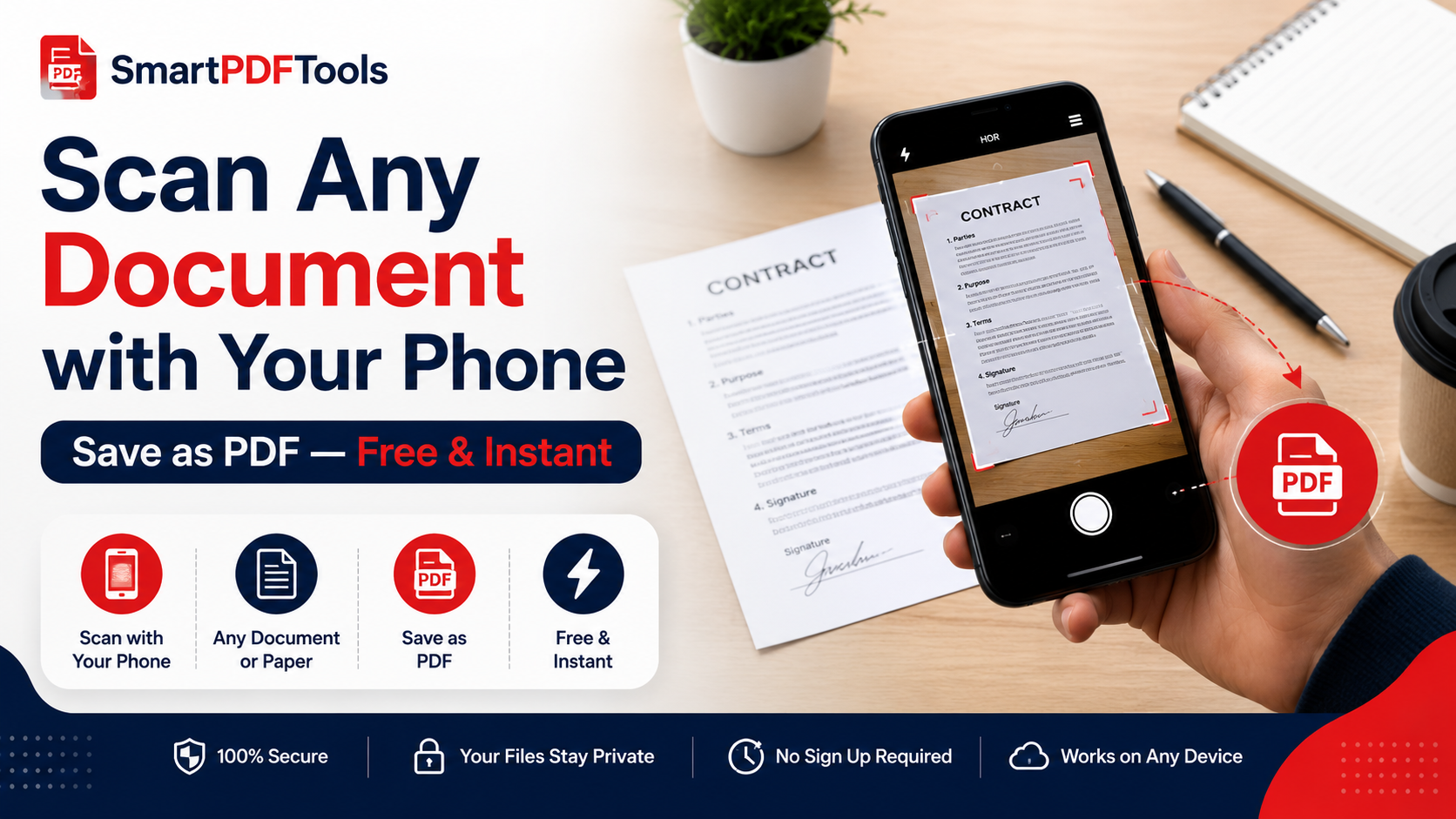
The 10 Best PDF Tools Online in 2026
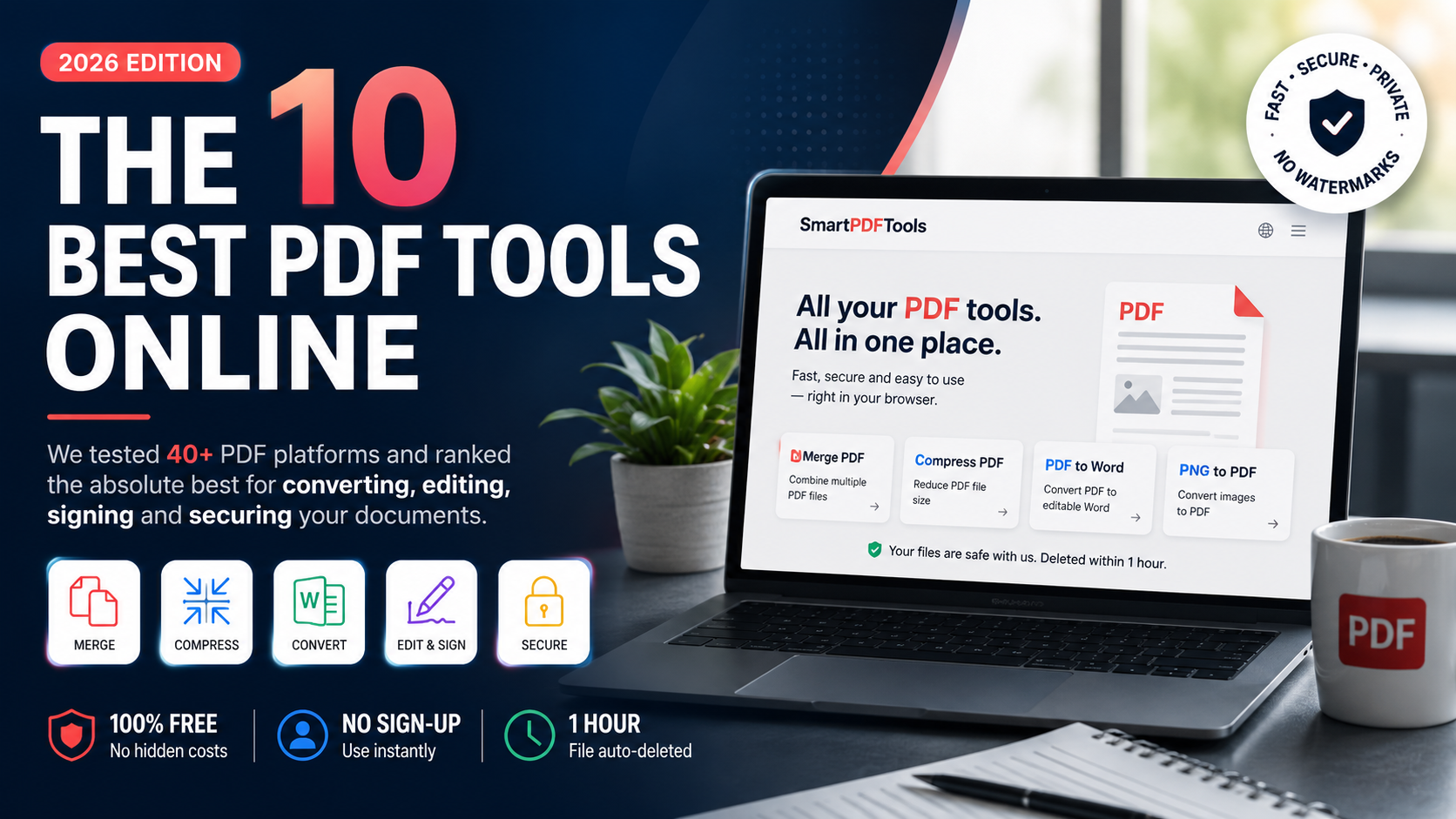
We tested 40+ PDF platforms and ranked the absolute best for converting, editing, signing and securing your documents.
🛠 Free tools mentioned in this article
PDF remains the world's most-used document format, with trillions of files shared every year. Whether you are a student submitting assignments, a freelancer sending invoices, or a business sharing contracts, finding the right free PDF tool saves you time and protects your documents.
We spent two months testing more than 40 popular PDF platforms across desktop, web and mobile, scoring each one on speed, output quality, privacy practices and value for money.
What Makes a Great PDF Tool?
A great PDF tool gets out of your way. It should open instantly, process your file in seconds, and give you a clean result without watermarks or broken formatting. The best tools are browser-based — meaning no installation required — and process your files locally so your documents never leave your device.
We weighted four criteria heavily in our testing:
- Speed — sub-5-second processing for files under 20MB
- Fidelity — preserved fonts, tables, layouts and embedded images
- Privacy — no tracking, automatic file deletion after one hour
- Price — generous free tier without aggressive paywalls
Our Top 10 PDF Tools for 2026
1. SmartPDFMasters
SmartPDFMasters took the top spot. It covers all essential tasks — merging, compressing, converting and image-to-PDF — in a single clean workspace. Everything runs in your browser, files are never uploaded to a server, and the free tier has no daily limits.
2. Adobe Acrobat Web
The industry standard with the deepest feature set. Expensive at scale and the interface can feel dated compared to newer tools.
3. iLovePDF
Solid free tier and clean interface. Good for occasional use, though ads on the free plan interrupt your workflow.
4. Smallpdf
Premium experience with polished design. Paid features push hard after a few uses.
5. PDF24
Desktop-first and completely free for personal use. Great offline option.
6. Sejda
Genuinely powerful web editor with a 3-task-per-hour free cap.
7. Foxit PDF Editor
Lightweight Adobe Acrobat alternative with strong signature support.
8. PDFescape
Simple browser-based editor. Basic but reliable for quick fixes.
9. Soda PDF
Modular pricing so you only pay for the features you need.
10. Xodo
Excellent free annotator, especially on mobile and tablet.
When Should You Pay for a PDF Tool?
For occasional use, free tiers are fine. If you process more than 50 files a month, need batch operations, or regularly work with scanned documents requiring OCR, a paid plan pays for itself quickly.
Privacy Checklist Before You Upload
Before uploading any sensitive file, ask these questions:
- Does the tool delete files automatically within one hour?
- Is processing done in your browser or on a remote server?
- Is there a clear no-tracking, no-AI-training policy?
- Is all traffic encrypted with TLS 1.3?
SmartPDFMasters ticks every box. Start with Merge PDF, Compress PDF, PDF to Word and PNG to PDF — no signup required.
Frequently Asked Questions
What is the best free PDF tool online?
SmartPDFMasters is the best free PDF tool for most users — it covers the four most common PDF tasks with no signup, no watermarks, and no daily limits.
Which PDF tools work on mobile?
SmartPDFMasters, iLovePDF, Xodo, and PDFescape all work on iPhone and Android browsers without requiring an app download.
Are free PDF tools safe to use?
Yes, if the tool processes files locally in your browser and deletes server copies within one hour. Always check the privacy policy before uploading sensitive documents.
Ready to work with your PDFs?
All six tools are completely free — no signup, no watermarks, no limits.