How to Reduce PDF File Size for Email — Free & Fast
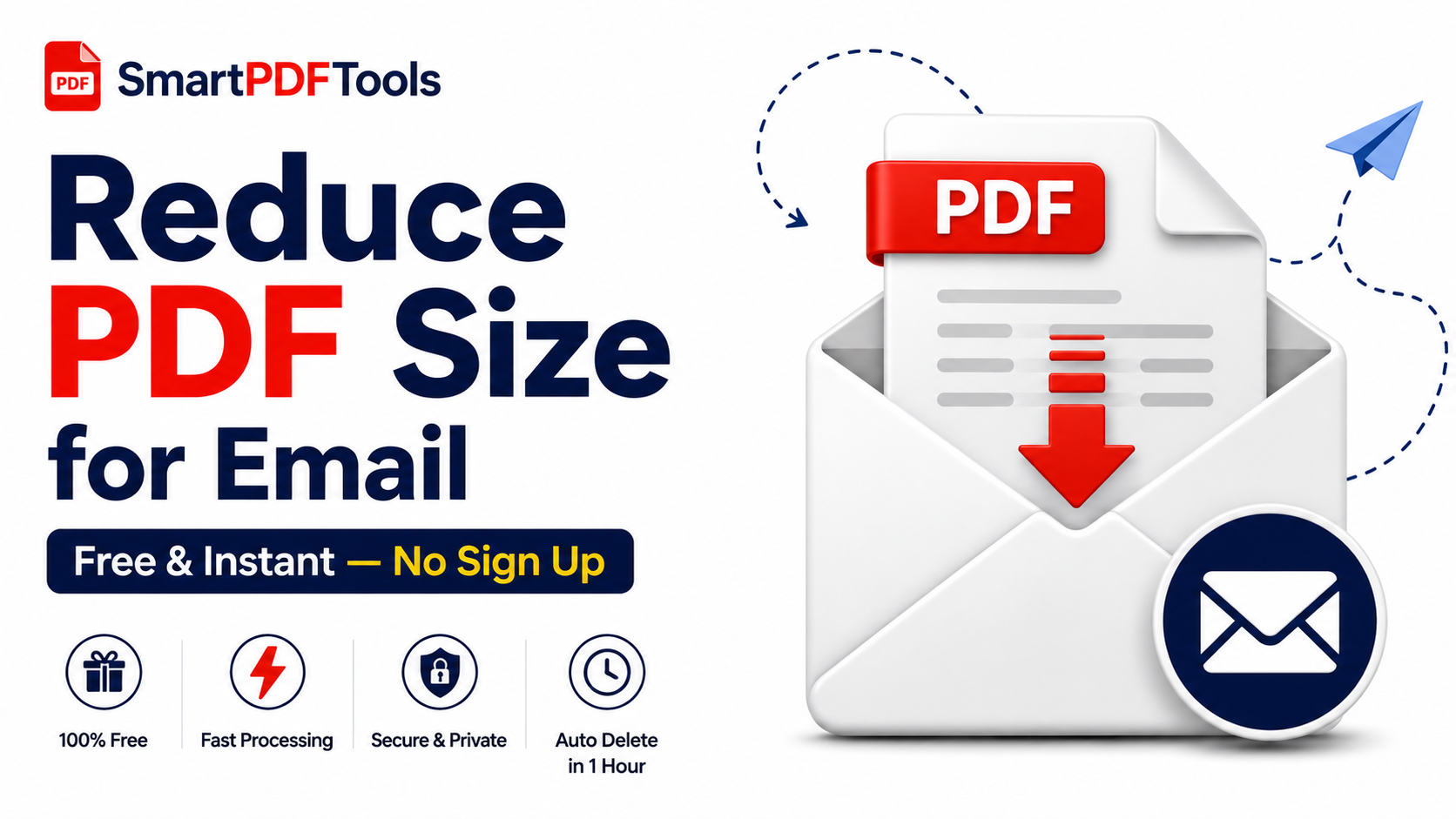
PDF too large to send by email? Learn the fastest free methods to shrink any PDF for Gmail, Outlook and Yahoo.
🛠 Free tools mentioned in this article
You finish a report, export it as PDF, hit send — and get an error. The file is too large. Gmail limits attachments to 25MB. Outlook caps at 20MB. Yahoo Mail stops at 25MB. This guide covers every method to reduce PDF file size specifically for email.
Why Email Has File Size Limits
Email servers were not designed to transfer large binary files. Attachments are encoded in a format that increases their size by roughly one third before transmission. Email providers set limits to prevent server overload and keep delivery fast and reliable.
Method 1 — Compress PDF (Fastest Fix)
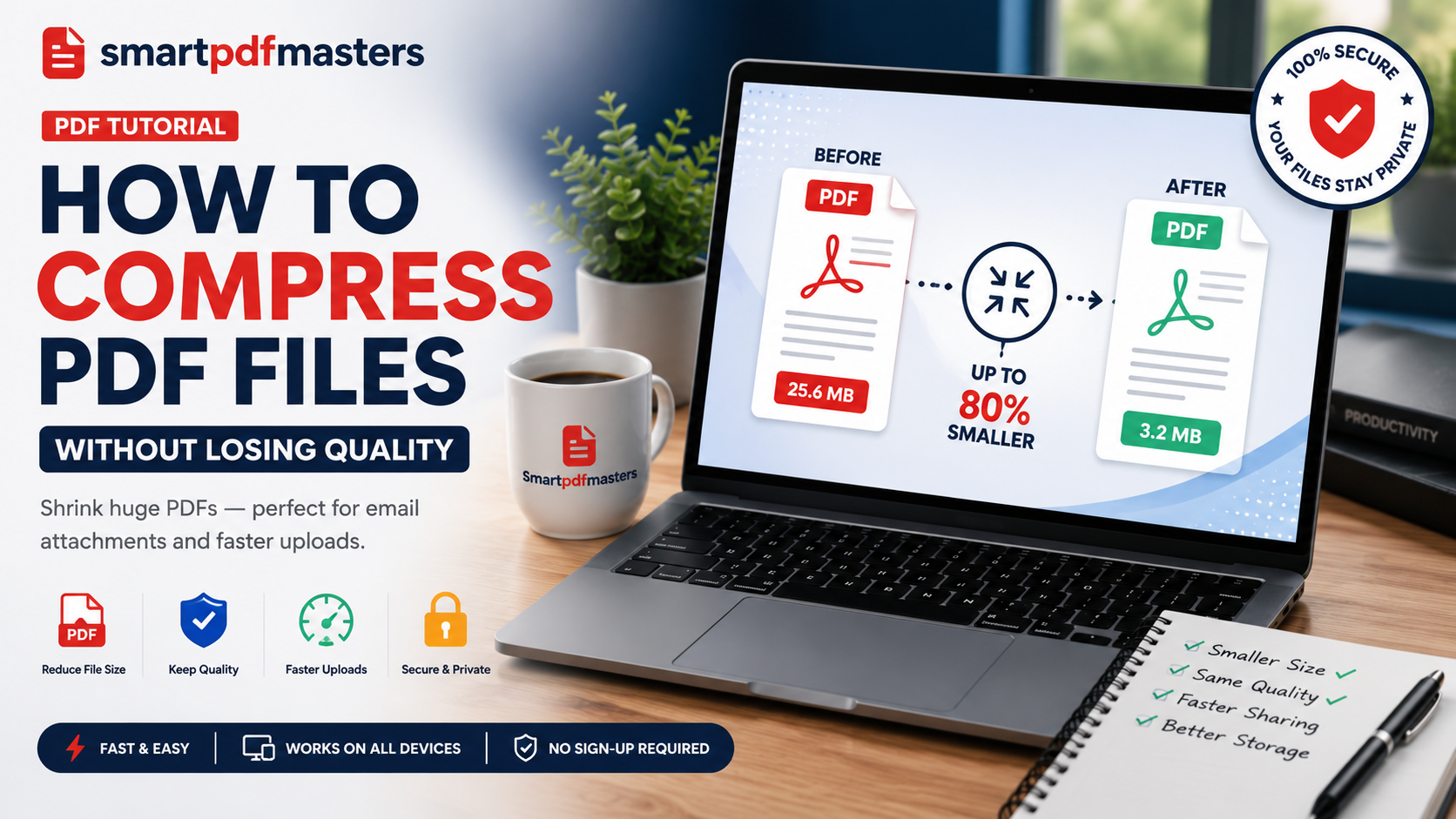
Open our Compress PDF tool, drag your file onto the upload area, and click Compress. Most documents compress in under 30 seconds and reach a size well within email limits.
Method 2 — Convert to Word, Clean Up, Re-export
Use our PDF to Word tool to convert. Open the DOCX in Word or Google Docs, accept all tracked changes, delete comments, remove unnecessary images. Export back to PDF.
Method 3 — Split and Send in Parts
If your PDF is genuinely large, split it into logical sections and send them separately. After sending, combine sections using our Merge PDF tool if the recipient needs a complete file.
Method 4 — Send via Download Link
For PDFs that cannot be compressed enough, upload to Google Drive, Dropbox, or OneDrive and send a download link.
PDF Size Limits for Common Email Services
- Gmail: 25MB per attachment
- Outlook: 20MB by default
- Yahoo Mail: 25MB per attachment
Tips to Keep PDFs Small from the Start
- In Word, choose Standard rather than High Fidelity when exporting to PDF
- Set scanners to 150-200 DPI rather than the default 300 DPI
- When photographing documents for PNG to PDF conversion, shoot in good lighting
Frequently Asked Questions
What is the maximum PDF size for Gmail?
Gmail allows attachments up to 25MB. Files larger than this must be sent as a Google Drive link.
What is the maximum PDF size for Outlook?
Outlook allows attachments up to 20MB by default.
What is the fastest way to reduce PDF size?
Our Compress PDF tool — upload, compress, download in under 30 seconds.
Will compressing a PDF for email reduce its quality?
Text remains perfectly sharp at all compression levels. Images may show minor quality reduction at maximum compression but remain clear for reading and standard printing.
Ready to work with your PDFs?
All six tools are completely free — no signup, no watermarks, no limits.