PDF vs Word: Which Format Should You Use and When?
Not sure whether to save as PDF or Word? This complete guide explains the differences and when to use each format.
🛠 Free tools mentioned in this article
PDF or Word? It sounds simple — but choosing the wrong format causes real problems. Documents that cannot be edited when they need to be. Files that look different on every device. Contracts that get modified after signing. Resumes that break when opened on a different computer.
The Core Difference Between PDF and Word
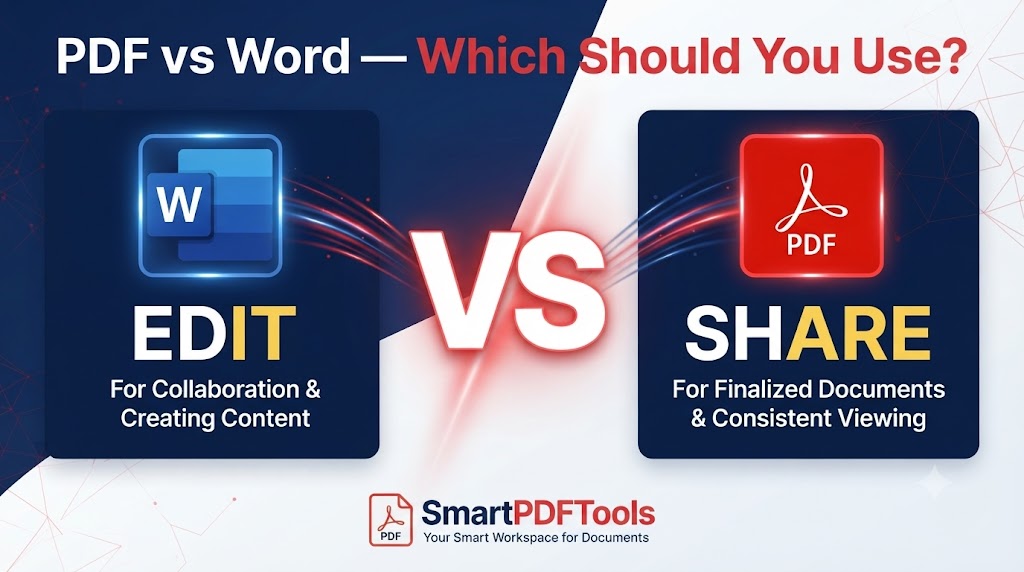
A Word document is a living, editable file. Text, images, tables, and formatting are stored as objects that any word processor can read, modify, and re-export. Word is for creating and editing.
A PDF is a fixed-layout document. Content is converted to a format that looks identical on every device, regardless of fonts installed, Word version, or whether the recipient has any word processor. PDF is for sharing and archiving.
When to Use PDF
Use PDF when sharing finished documents. Contracts, invoices, reports, certificates, and resumes should look identical for every recipient and should not be accidentally changed.
Use PDF when you do not control the recipient's software. A Word document may look different in an older version of Word, in Google Docs, or in LibreOffice. A PDF looks identical everywhere.
Use PDF when protecting content. PDF files can be password-protected. Word documents offer much weaker protection.
Use PDF for formal submissions. Job applications, university submissions, government forms, legal filings — PDF guarantees what you submit is exactly what the recipient receives.
When to Use Word
Use Word when still working on the document. The editing experience in Word is far superior to any PDF editor.
Use Word when collaborating. Track changes and comments are purpose-built for collaborative editing.
Use Word when the recipient needs to edit the content. Templates, drafts, and documents that will be incorporated into larger files should stay in Word until finalised.
Common Situations — PDF or Word?
| Situation | Use |
|---|---|
| Resume or CV | PDF always |
| Contract or legal document | PDF always |
| Draft report for review | Word until final, then PDF |
| Invoice | |
| Template someone will customise | Word |
| Email attachment | PDF (smaller, universal) |
How to Convert PDF to Word Free
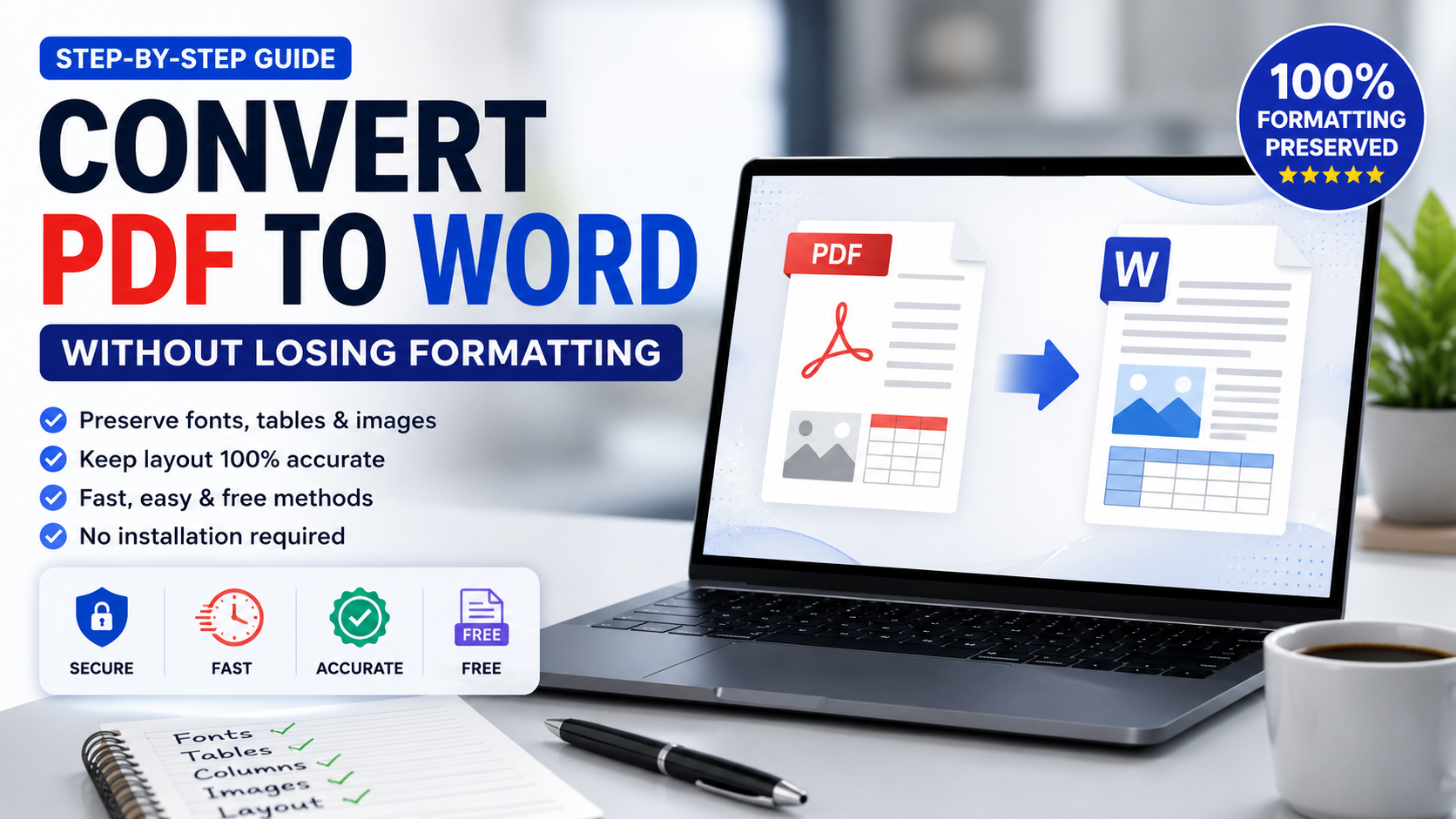
Our PDF to Word tool converts any PDF to a fully editable DOCX in seconds. Fonts, tables, images and layout are preserved.
How to Convert Word to PDF
In Microsoft Word: File then Save As then choose PDF. In Google Docs: File then Download then PDF Document.
If your exported PDF is larger than expected, use our Compress PDF tool.
Need to Combine PDF and Word Documents?
Convert your Word document to PDF first, then use our Merge PDF tool to combine all files.
Frequently Asked Questions
Is PDF or Word better for sharing documents?
PDF is better for sharing finished documents — looks identical everywhere and cannot be accidentally edited. Word is better for documents that need further editing.
Can I convert a scanned PDF to Word?
Yes. Our PDF to Word tool includes OCR that recognises text in scanned documents and converts it to editable characters.
Which format is better for email attachments?
PDF is generally better — more universally readable, smaller after compression, and cannot be accidentally modified.
Can I password protect a Word document like a PDF?
Word offers password protection, but it is significantly weaker than PDF encryption. For genuine protection, convert to PDF and apply strong PDF encryption.
Ready to work with your PDFs?
All six tools are completely free — no signup, no watermarks, no limits.