How to Compress a PDF for Gmail, Outlook and Yahoo Email — Complete Guide

Learn exactly how to compress a PDF to fit within Gmail, Outlook, Yahoo Mail and iCloud attachment limits — free step-by-step guide with the exact size limit for every provider.
🛠 Free tools mentioned in this article
Every email provider has a different attachment size limit, and most people only discover theirs the moment an email bounces back with an error. Gmail's limit is different from Outlook's. Outlook's is different from Yahoo's. And corporate email servers often set stricter limits than any of the consumer providers, sometimes without telling you what the limit actually is.
This guide gives you the exact attachment limits for every major email provider in 2026, plus the fastest free method to compress any PDF so it fits — the first time, without guessing.
Exact PDF Attachment Limits by Email Provider
Knowing the precise limit before you attach a file saves you a failed send and a frustrating retry. Here is the exact limit for every major provider.
Gmail allows attachments up to 25MB total per email, combining all attached files. If your PDF exceeds this, Gmail automatically offers to insert it as a Google Drive link instead of a direct attachment.
Outlook and Microsoft 365 allow attachments up to 20MB by default for personal Outlook.com accounts. Business and enterprise Microsoft 365 accounts often have a higher limit set by an IT administrator, typically between 20MB and 35MB, but this varies by organisation.
Yahoo Mail allows attachments up to 25MB per email, matching Gmail's limit.
iCloud Mail allows attachments up to 20MB when sent through the Mail app on iPhone or Mac. Apple's Mail Drop feature can handle much larger files — up to 5GB — by automatically uploading oversized attachments to iCloud and sending the recipient a download link instead.
ProtonMail allows attachments up to 25MB on free accounts, with higher limits available on paid plans.
Corporate and university email systems frequently set limits far lower than consumer providers — 10MB or even 5MB is common — specifically to reduce server load. If your PDF is rejected by a work or school email address, check with IT for the exact configured limit before assuming a global standard applies.
How to Compress a PDF for Email in Under 30 Seconds
The fastest and most reliable method for compressing a PDF specifically for email works the same way regardless of which provider you use.
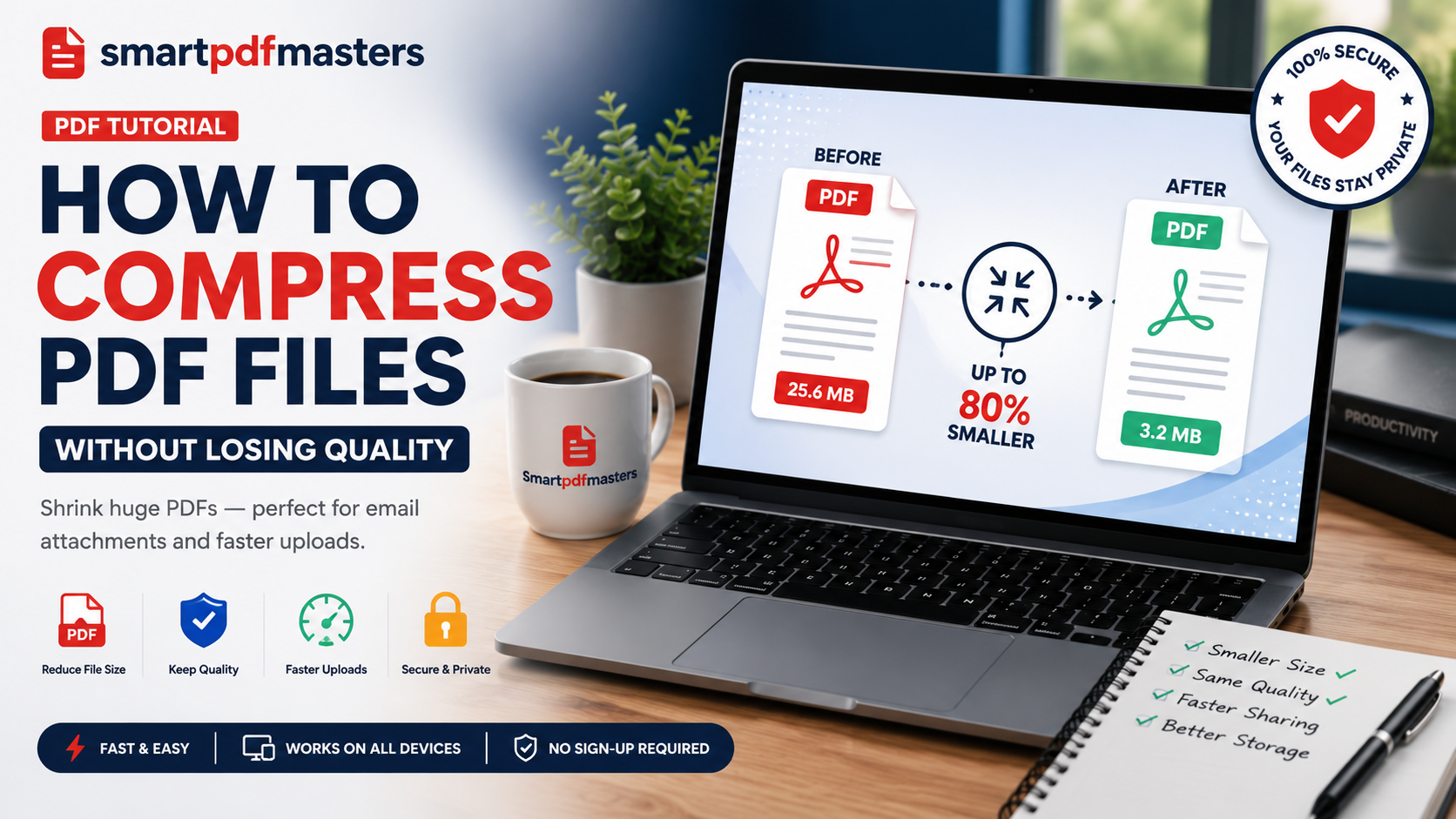
Open our Compress PDF tool. Upload your oversized PDF. Choose the Recommended compression level for most documents, or Maximum if the file is still too large afterward. Click Compress and download the result. For the vast majority of business documents, reports, and scanned files, this single step reduces the file comfortably under every major provider's limit.
Why Your PDF Exceeds the Attachment Limit
Understanding why a specific PDF is large helps you predict whether compression alone will solve the problem, or whether you need a different approach entirely.
Presentations exported to PDF are large because slide images are often embedded at display resolution rather than screen resolution. Scanned documents are large because each page is stored as a high-resolution photograph rather than as text. Reports with many embedded charts or photographs accumulate size proportionally to the number and resolution of those images. And documents that have been edited many times sometimes carry invisible revision history and metadata that add weight without adding any visible content.
What to Do If Compression Alone Is Not Enough
For most PDFs, compression brings the file comfortably under any email provider's limit. But for genuinely large documents — architectural drawings, high-resolution photo portfolios, or 100-page scanned reports — compression alone may not be sufficient.
If your document contains sections the recipient does not need immediately, use our Split PDF tool to send only the relevant pages as a smaller, targeted attachment.
If you need to combine several separate PDFs into one before sending, compress the merged result rather than compressing each file individually and attaching multiple files — a single well-compressed attachment is easier for the recipient to manage than several smaller ones.
If the file remains too large even after maximum compression, the most reliable fallback is a cloud storage link rather than a direct attachment. Upload the file to Google Drive, OneDrive, or Dropbox, and share a download link in the email body instead of attaching the file. This works regardless of the file's size and avoids attachment limits entirely.
How to Compress a Scanned PDF Specifically for Email
Scanned documents respond particularly well to compression because scanner software frequently saves pages at a much higher resolution than is needed for email viewing. A page scanned at 300 DPI for print quality can often be reduced to email-appropriate resolution with no noticeable difference on screen.
Use maximum compression in our Compress PDF tool for scanned documents specifically — the aggressive image resampling this setting applies is particularly effective on scan-heavy files, often achieving 70 to 90 percent size reduction with text remaining perfectly legible.
How to Avoid This Problem Going Forward
If you regularly send large PDFs by email, a few habits prevent the problem before it starts. When exporting from Word or PowerPoint, choose a lower image quality setting in the export dialog rather than the default "print quality" setting, which is unnecessarily high for anything viewed on screen. When scanning documents you know will only be emailed, set your scanner to 150 DPI rather than the default 300 DPI. And compress any PDF immediately after creating it, before it accumulates in a folder where you might forget which version was compressed and which was not.
Frequently Asked Questions
What is the maximum PDF size I can email through Gmail?
Gmail allows 25MB total per email across all attachments combined. Files larger than this are automatically offered as a Google Drive link instead of a direct attachment.
What is the maximum PDF size for Outlook?
Personal Outlook.com accounts allow 20MB by default. Business Microsoft 365 accounts may have a different limit set by an administrator, commonly between 20MB and 35MB.
How do I compress a PDF specifically for email in seconds?
Use our Compress PDF tool with the Recommended compression level. Most documents compress well under any email provider's limit in under 30 seconds.
Why does my PDF still exceed the limit after compressing?
Very image-heavy or very long documents sometimes remain large even after maximum compression. In this case, split the document into sections using our Split PDF tool, or send the file via a cloud storage link instead of a direct attachment.
Does compressing a PDF for email reduce its readability?
No. Text remains perfectly sharp at every compression level because it is stored as vector data rather than pixels. Images may show minor quality reduction at maximum compression, but remain clear for on-screen reading and standard printing.
What is the attachment limit for iCloud Mail?
20MB through the standard Mail app. Apple's Mail Drop feature extends this to 5GB by automatically hosting larger files on iCloud and sending a download link instead of a direct attachment.
Ready to work with your PDFs?
All six tools are completely free — no signup, no watermarks, no limits.