AI PDF Tools Explained: What's Real and What's Hype
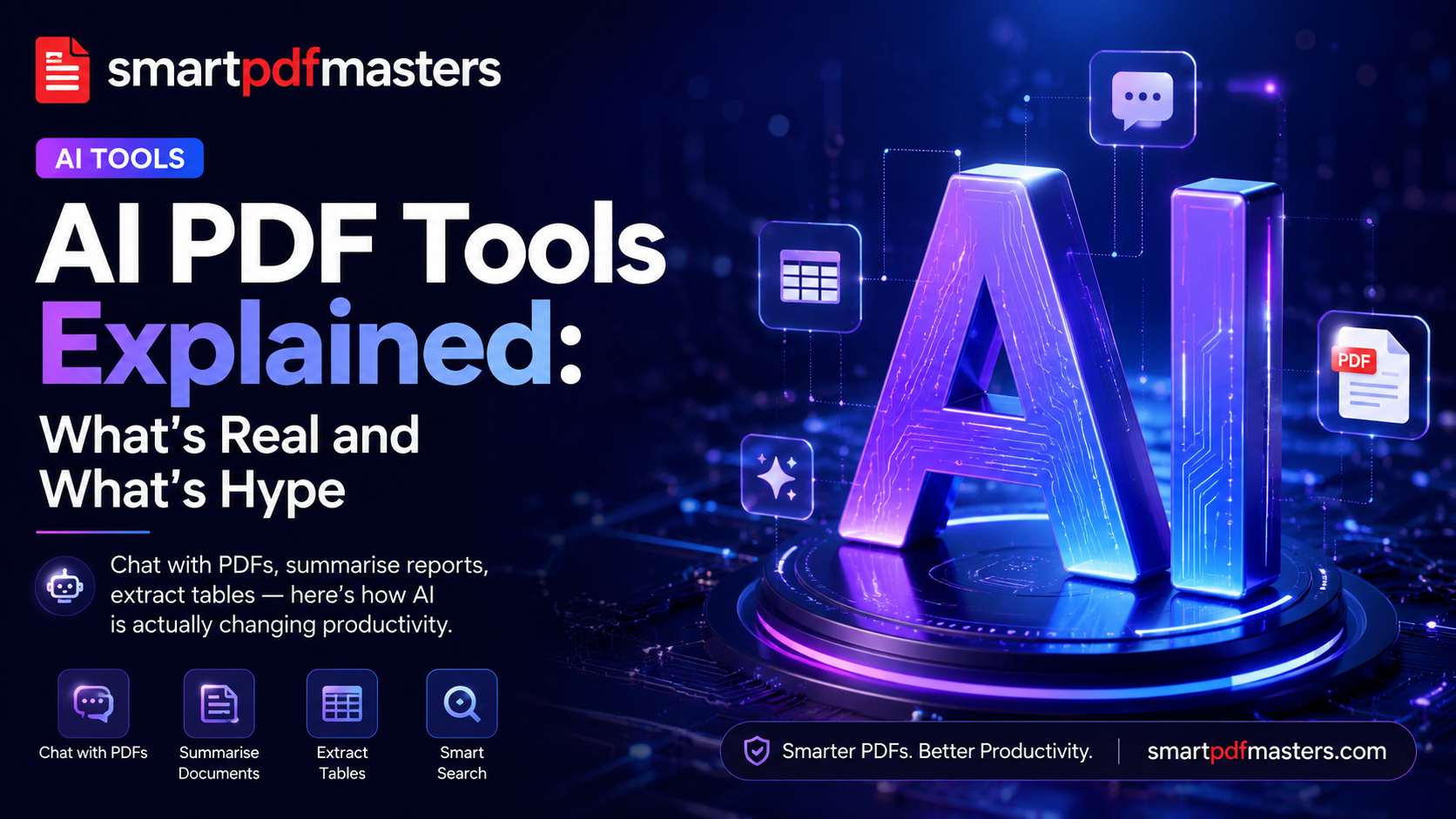
Chat with PDFs, summarise reports, extract tables — here's how AI is actually changing document workflows.
🛠 Free tools mentioned in this article
Every PDF application now claims to be AI-powered. Most just add a chatbot and call it innovation. After six months auditing the AI features of 25 different PDF tools, here is an honest breakdown of what actually saves time — and what is marketing dressed as artificial intelligence.
How AI Changed Document Workflows in 2026
Two things made AI PDF features genuinely useful this year. First, long-context language models can now hold an entire 500-page PDF in working memory without losing track of earlier sections. Second, on-device inference became fast enough to run summarisation directly in the browser — meaning your sensitive documents never need to leave your device.
Genuinely Useful AI PDF Features
Chat with Your PDF
Ask questions in plain language and receive answers with specific page references. Genuinely transformative for anyone who works with long contracts, research papers, or technical manuals. Instead of reading 200 pages to find one clause, you ask a question and get the answer in seconds.
Smart Summaries
Turn a lengthy report into a one-page brief. The best implementations use extractive plus abstractive summarisation — pulling key sentences directly from the source rather than generating a paraphrase. Always verify specific figures against the original document.
AI Translation with Layout Preservation
The 2026 generation finally handles tables, footnotes and multi-column layouts correctly, making AI translation usable for real professional documents.
Table Extraction
Pull structured data from financial statements or invoices directly into Excel. A significant time-saver for accountants and analysts.
Smart OCR
Modern OCR identifies document structure — distinguishing headings from body text, detecting table boundaries, recognising multi-column layouts.
What Is Still Hype in 2026
- AI auto-design — generic templates, inconsistent spacing
- One-click executive summaries — useful starting point but always verify numbers
- AI signatures — just image-of-signature technology with no actual AI involved
- AI compression — standard lossy image resampling that has existed for decades
Privacy When Using AI PDF Tools
Most cloud-based AI PDF tools upload your complete document to a third-party server. If your PDFs contain contracts, identification documents, or medical records, read the privacy policy carefully — especially sections on data retention and AI model training.
SmartPDFMasters processes documents in your browser whenever possible and never uses your files for model training.
The Practical Starting Point
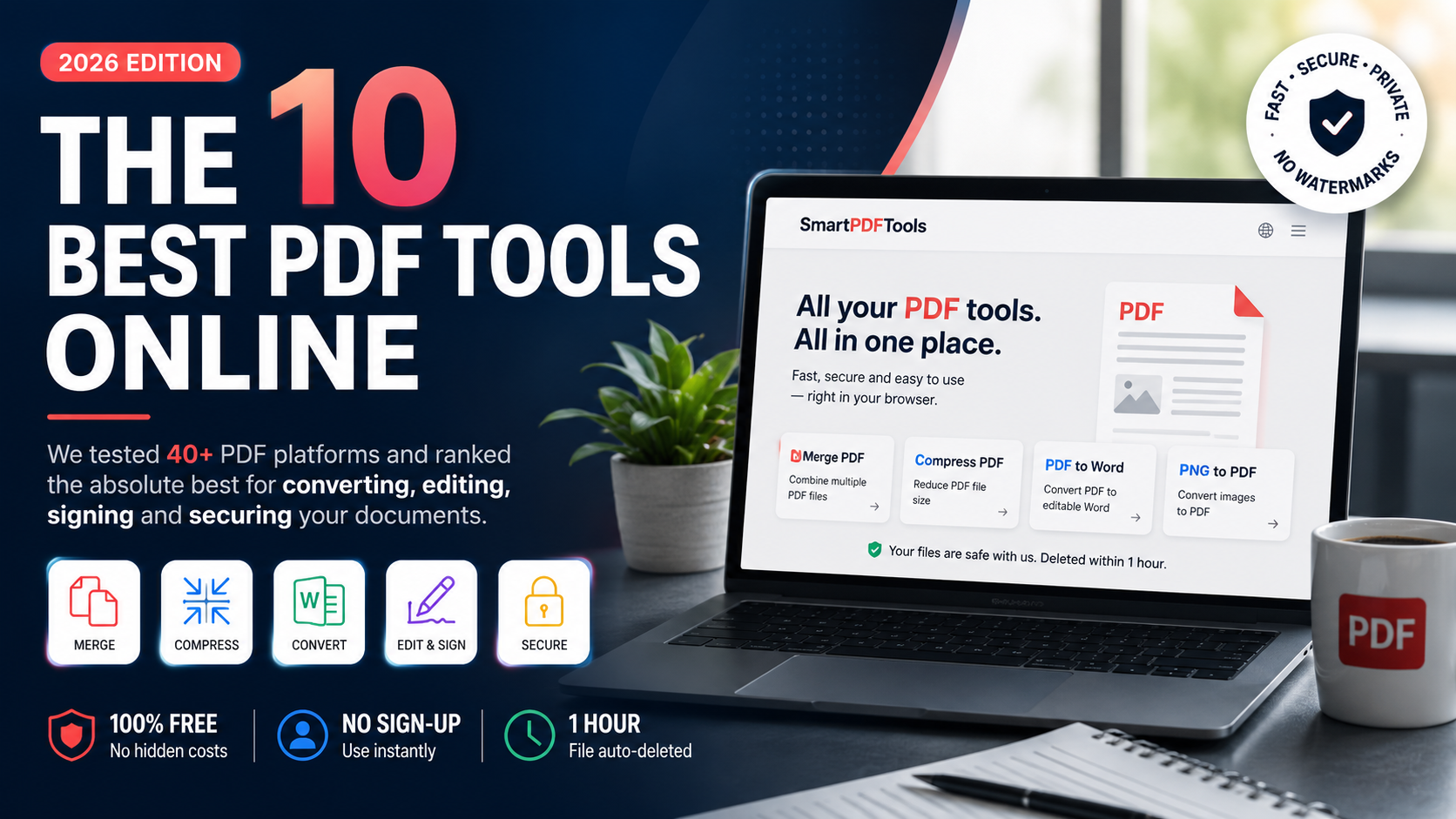
You do not need an AI subscription to get value from a great PDF workflow. Start with Merge PDF, Compress PDF, PDF to Word and PNG to PDF — and add AI features only where they genuinely save time.
Frequently Asked Questions
What is the best AI PDF tool in 2026?
For most users, tools that combine solid core PDF features with AI summarisation and chat offer the best value. Always prioritise tools that process sensitive documents locally.
Can AI read a scanned PDF?
Yes, through smart OCR that identifies text in scanned images and converts it to selectable, searchable characters.
Is it safe to upload documents to AI PDF tools?
Only if the tool has a clear policy against using your files for AI training and deletes files after processing.
Ready to work with your PDFs?
All six tools are completely free — no signup, no watermarks, no limits.