Boost Your Daily Productivity: 4 Ways PDF Tools Save You Time
Discover how the right PDF tools can transform your daily workflow, save hours, and reduce stress.
🛠 Free tools mentioned in this article
Most people treat PDF tools as a last resort — something you reach for only when you absolutely have to convert or compress a file. But the right PDF workflow eliminates entire categories of friction from your workday and frees up significant time every week.
1. Eliminate the Search Tax
Think about the last time you needed to compress or merge a PDF. You probably searched, clicked a result, discovered a file size limit or paywall, tried a different tool, and eventually finished the task — ten minutes later than necessary.
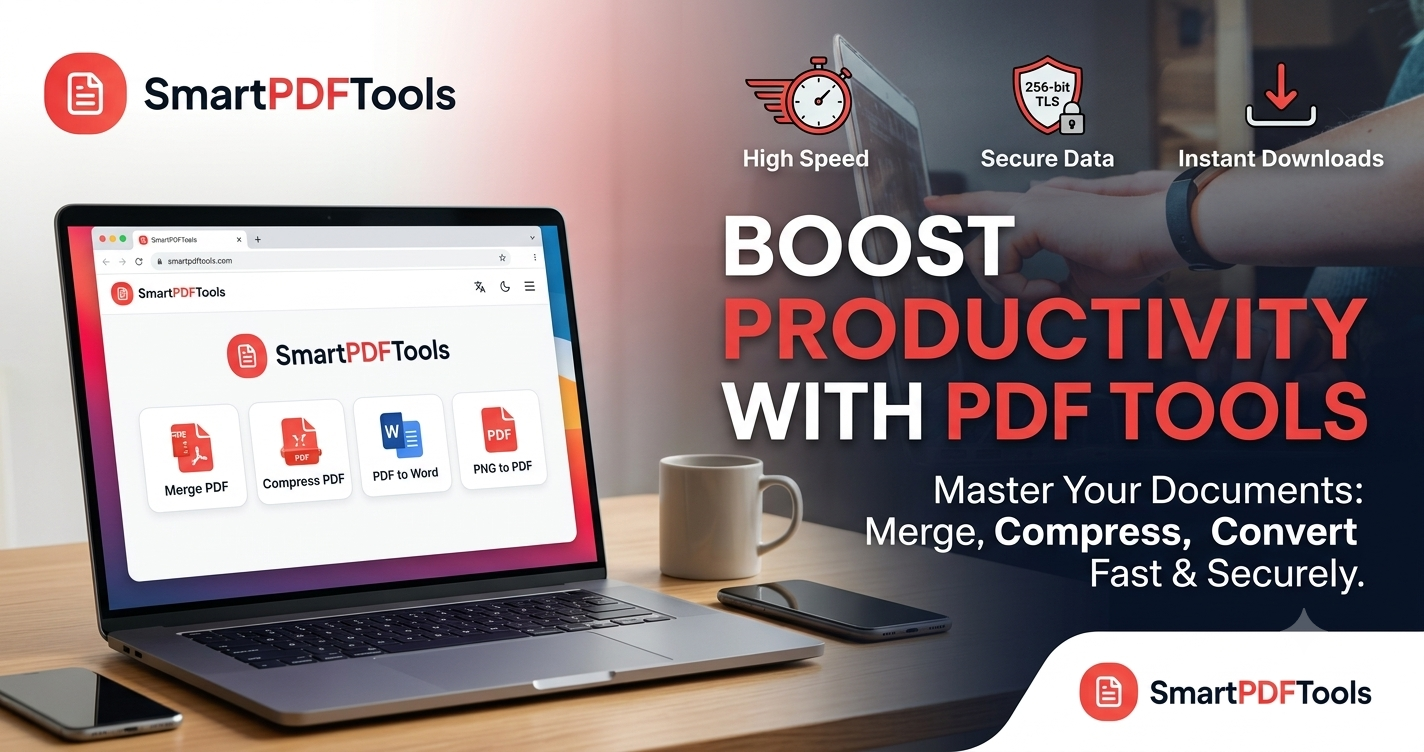
A single reliable tool removes this entirely. SmartPDFMasters covers merging, compression, PDF to Word conversion and image-to-PDF in one place. One bookmark, no searching, no surprises.
2. The Three-Second Rule for Staying in Flow
Interruptions are more costly than they appear. A tool that takes two minutes to process a file is not just two minutes slower — it is two minutes plus the re-entry cost of returning to your work.
Browser-based tools that process files locally are dramatically faster than tools that upload to a remote server. You drag the file in, click a button, and have your result before you switch to another tab.
3. A Clean File System Reduces Cognitive Load
Open your downloads folder right now. There is probably a collection of files named final-v2.pdf, final-actual.pdf, and SEND-THIS-ONE.pdf. A reliable PDF tool reduces version proliferation because you complete tasks correctly the first time.
Merge PDF combines documents in one pass. Compress PDF gives you a compressed version without quality surprises. PDF to Word converts accurately enough that you do not rerun the conversion multiple times.
4. Security That Does Not Slow You Down
If you are not sure whether the tool you just used stored a copy of the contract you uploaded, that uncertainty occupies mental space. Tools that process files locally eliminate this anxiety completely.
SmartPDFMasters is built on this principle. All core processing happens in your browser. Nothing is stored. Nothing is shared with third parties.
Frequently Asked Questions
What PDF tools save the most time for professionals?
Merge PDF, Compress PDF, and PDF to Word are the three tools that eliminate the most friction for professionals who handle documents daily.
How do I manage PDF files more efficiently?
Use a single bookmarked tool for all PDF tasks. Compress files before emailing. Merge related documents into single files. Convert to Word only when you need to edit.
Are browser-based PDF tools as good as desktop software?
For the four most common tasks — merging, compressing, converting, and image-to-PDF — browser-based tools are faster, more convenient, and more private than desktop software for most users.
Ready to work with your PDFs?
All six tools are completely free — no signup, no watermarks, no limits.