The 7 Best Free PDF Editors in 2026
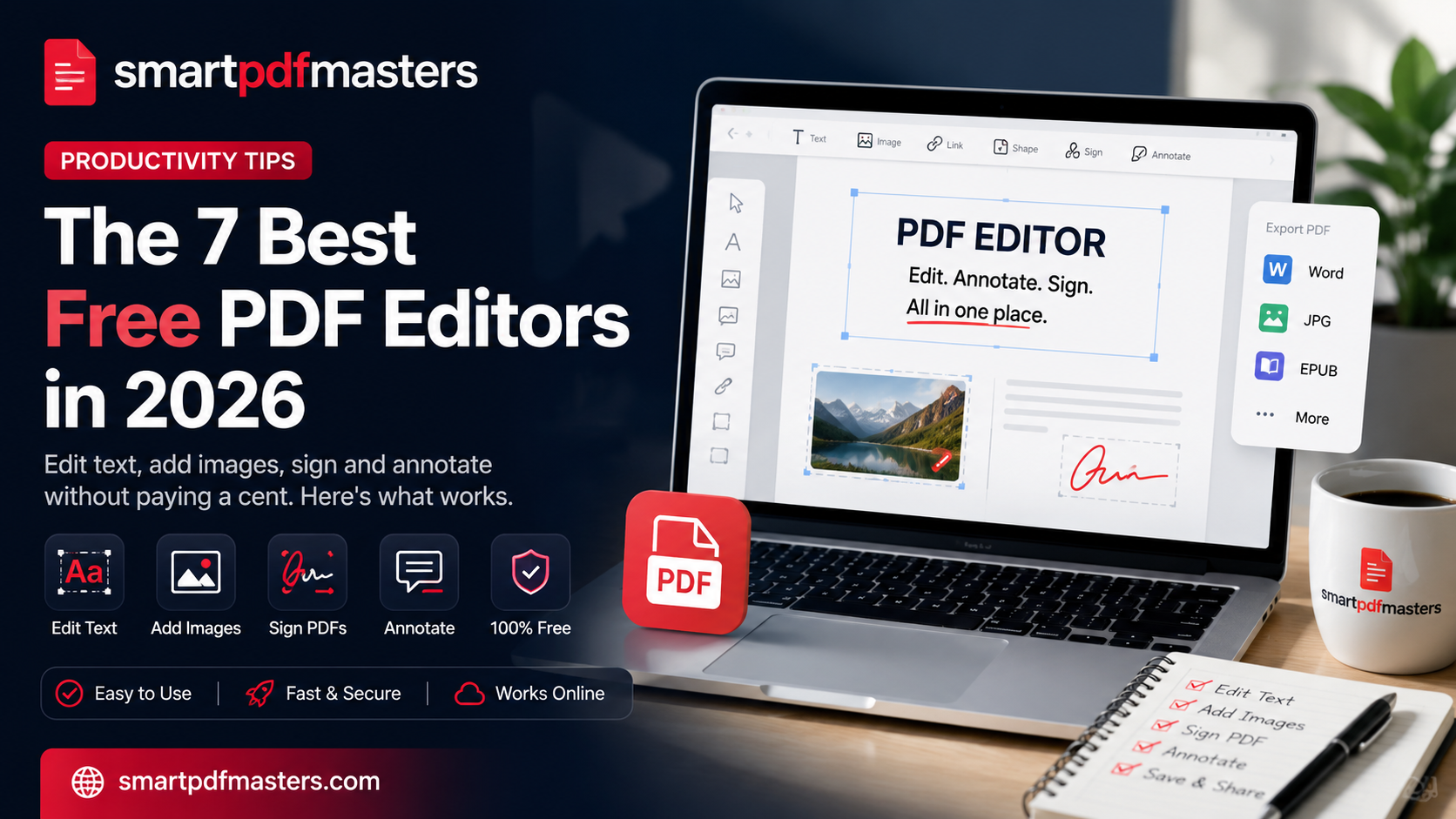
Edit text, add images, sign and annotate without paying a cent. Here's what works.
🛠 Free tools mentioned in this article
Adobe Acrobat Pro costs $239.88 per year. For occasional PDF editing, that is significant overkill. There are excellent free alternatives that handle 95 percent of everyday PDF editing without asking for a credit card.
We tested every major free PDF editor in 2026, putting each through five real-world tasks: editing existing text, adding text and images, filling forms, signing a contract, and annotating a research paper.
What to Look for in a Free PDF Editor
- OCR for scanned text — without it, you cannot edit photographed or scanned documents
- Proper form field detection — clicking a form field should let you type, not draw a text box on top
- Cryptographic signatures — real e-signatures prove who signed and that the document has not changed
- In-browser processing — keeps sensitive documents off third-party servers
- No watermarks or page caps on the free tier
Top 7 Free PDF Editors
1. SmartPDFMasters
SmartPDFMasters covers editing, image insertion, annotation and file conversion in one workspace. Everything runs in your browser with no signup. Use Merge PDF to combine documents, Compress PDF to reduce file size, and PDF to Word to convert to an editable format.
2. Xodo
Excellent for annotation and markup. The mobile and tablet experience is particularly strong.
3. PDFescape
Simple browser-based editor. Works reliably for filling forms and adding text boxes.
4. Sejda
Genuinely powerful free web editor. Free plan limits to three tasks per hour and documents up to 200 pages.
5. Foxit PDF Reader
Desktop application significantly lighter than Adobe Acrobat. Built-in e-signature feature.
6. PDF24 Tools
Comprehensive suite of 25+ PDF tools with no advertising and no feature limits on the free plan.
7. LibreOffice Draw
Open-source option for users who need to make significant layout changes.
How to Choose the Right Tool
- Quick edits, form filling, signing — use SmartPDFMasters or PDFescape in your browser
- Reading and marking up on tablet — use Xodo
- Desktop use without internet — use Foxit PDF Reader or LibreOffice Draw
- Batch processing — use PDF24 Tools
Frequently Asked Questions
What is the best free PDF editor with no watermark?
SmartPDFMasters adds no watermarks on the free tier and has no daily limits.
Can I edit a scanned PDF for free?
Yes. Use our PDF to Word tool which includes OCR to convert scanned PDFs to editable Word documents.
Is there a free PDF editor that works on iPhone?
Yes. SmartPDFMasters, PDFescape and Xodo all work on iPhone in Safari without requiring an app download.
Ready to work with your PDFs?
All six tools are completely free — no signup, no watermarks, no limits.